mslStudio HUB connects every phase of your film & video workflow โ from idea to delivery โ in one integrated, creator-first platform. No more switching between 10 different apps.
Most creators duct-tape Notion, Google Docs, Trello, and random apps together. mslStudio HUB replaces all of it with one connected system designed specifically for film & video production.
Your script links to your shot list. Your shot list connects to your storyboard. Your elements link back to your script. One ecosystem โ zero copy-paste chaos.
Not a generic project manager. Every field, module, and export is purpose-built for the film & video production pipeline โ from concept hooks to delivery-ready metadata.
Built-in AI prompt assistant in mslScript. Customize prompts, save your defaults, and generate content suggestions for any section of your script.
A full canvas-based Shot Planner with drag-and-drop characters, cameras, props, arrows, lighting, and set pieces โ build your shots visually, not just in a spreadsheet.
Plan scripting days, shooting days, editing days, and delivery dates on a visual calendar. Track daily habits alongside your content calendar.
Free plan, $3.99/month, or a one-time $150 Lifetime deal. No bloated enterprise tiers. Built by a creator, priced for creators.
mslProduction is the heart of mslStudio HUB. Eight integrated modules cover every phase of turning an idea into a finished video โ all in one collapsible, persistent workspace.
Full screenplay view linked to your mslScript
Break your video into scenes
Define every shot per scene
Visual canvas shot blocking
Frame-by-frame image boards
Visual reference & color palettes
Production notes & reminders
Creative cards for research
A fully interactive visual canvas for shot blocking and scene layout. Place and arrange every element of your set, then plan camera angles visually.
Create frame-by-frame storyboard panels for each shot. Upload reference images, set shot types, and build a visual map of your video before you film.
Build a visual creative brief for your video. Collect image references, define color palettes, add notes, and link inspiration resources.
A flexible card-based board for organizing research, concepts, and creative references before you start writing your script.
Read-linked view of your full screenplay within the production workspace. Review your script alongside scenes, shots, and storyboard without leaving production.
A dedicated notes panel for on-set reminders, director notes, client feedback, and anything else that comes up during production.
mslScript is a video-first script editor built around proven content frameworks. Stop writing in Google Docs with no structure โ start writing in a system designed for video performance.
Every video script section has its own dedicated space with clear labels, prompts, and AI assistant access.
Every script section has a built-in collapsible AI Prompt panel. Write a prompt, copy it to your AI tool, paste results โ with save-as-default and restore-default options.
Never lose your work. mslScript auto-saves on a timer, and offers script export for offline use or sharing.
mslElements is a production breakdown tool. Tag, categorize, and track every visual and audio element your video needs โ from A-Roll footage to background music and special effects.
Industry-standard element categories, fully customizable and sortable via drag-and-drop.
mslElements doesn't just list assets โ it connects them to your production for a true filmmaker-style breakdown sheet.
mslDelivery is your upload helper. Prepare your title, description, and tags before you even open your platform of choice โ then copy and paste with confidence.
Write and refine your final upload title. Compare variations, track character count, and lock in the winner before publishing.
Structured description editor with sections โ intro, timestamps, links, affiliate disclosures, and social links. Export in one click.
Build and store your full tag set. Collapsible sections for primary, secondary, and channel-wide evergreen tags.
Store your gear affiliate links directly in your delivery workflow. Add them to descriptions in seconds โ no more digging through bookmarks.
Beyond individual video productions, mslStudio HUB includes powerful cross-project tools that give you a bird's-eye view of your entire operation.
Your always-on idea capture board. Never lose a video concept again.
Task management built for content creators โ not generic project managers.
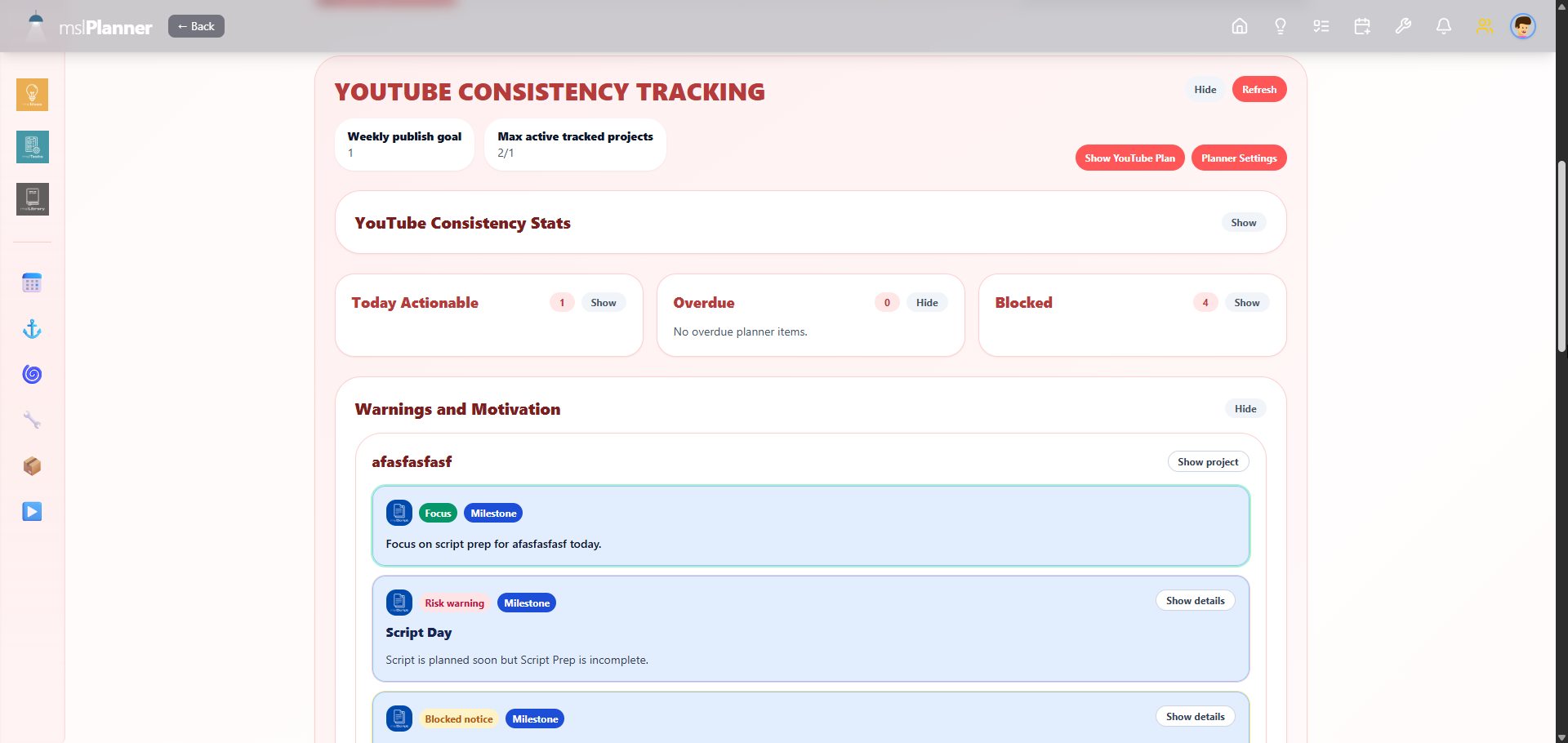
A full production calendar designed around the video creator's work cycle.
A searchable cross-project asset library for your entire channel.
The mslStudio HUB dashboard gives you a mission-control view of your entire operation โ all projects, all recent activity, all tools โ the moment you log in.
No hunting through tabs or apps. Your dashboard surfaces exactly what you're working on and what's coming up next.
Start free. Upgrade when you're ready. Or get lifetime access and never pay again.
Exclusive add-ons available only to Lifetime plan holders.
Advanced export templates, priority processing, and extended storage for heavy productions.
Extended AI prompt processing credits for high-volume script writing and content generation.
Add collaborator seats to share projects with your editor, thumbnail designer, or social manager.
| Feature | Free | Monthly | Yearly | Lifetime |
|---|---|---|---|---|
| Active Projects | 1 | Unlimited | Unlimited | Unlimited |
| mslScript (full) | โ | โ | โ | โ |
| AI Prompt Assistant | โ | โ | โ | โ |
| mslProduction (8 modules) | โ | โ | โ | โ |
| Shot Planner Canvas | โ | โ | โ | โ |
| Storyboard Editor | โ | โ | โ | โ |
| Moodboard | โ | โ | โ | โ |
| mslElements (14 types) | โ | โ | โ | โ |
| mslDelivery | โ | โ | โ | โ |
| mslLibrary | โ | โ | โ | โ |
| mslIdeas / mslTasks / mslPlanner | โ | โ | โ | โ |
| Future Modules | โ | โ | โ | โ |
| Lifetime Add-ons | โ | โ | โ | โ |
| Price | $0 | $3.99/mo | $2.99/mo | $150 once |
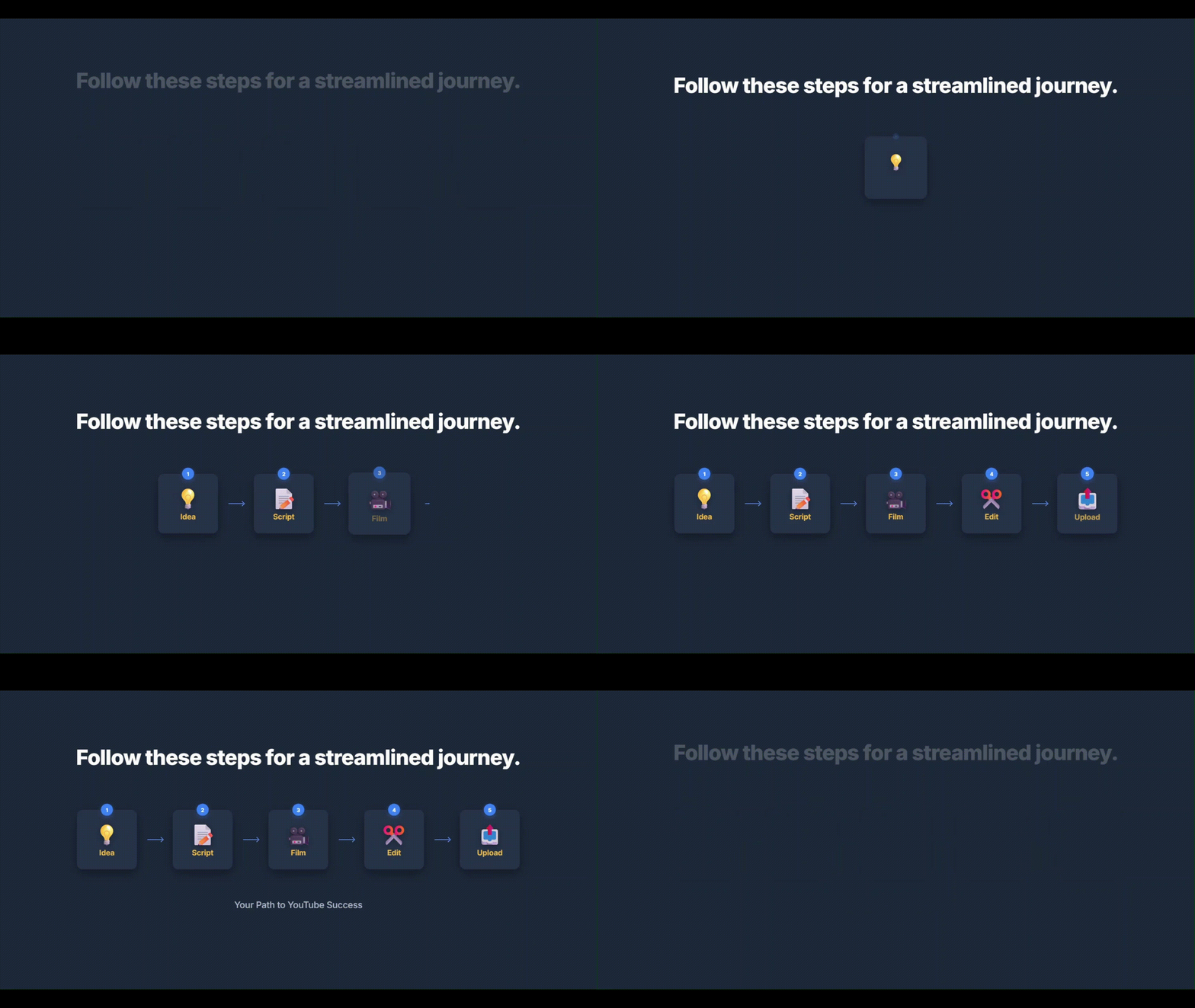
mslStudio HUB guides you through a proven production workflow โ from the first spark of an idea to delivery day.
Log your video idea in mslIdeas with a title, description, and priority. Never forget a great concept again.
Open mslScript and work through structured sections: hook, B.E.N.S. packaging, main content, and CTA. Use the built-in AI Prompt Assistant for every section.
In mslProduction, define your scenes and shot list. Know exactly what footage you need before you ever pick up a camera.
Open the Shot Planner Canvas and drag characters, cameras, and props onto the set. Visualize every shot with a filmmaker's eye.
Upload reference images to your Storyboard. Build a visual creative brief in your Moodboard with color palettes and inspiration images.
Use mslElements to break down every visual and audio asset your video needs. Export a full element breakdown sheet.
Plan your scripting, shooting, editing, and delivery days on the mslPlanner calendar. Stay consistent week over week.
Use mslDelivery to prep your title, description, and tags before you upload. Publish day becomes a checklist, not a scramble.
Join creators who've replaced their tool chaos with one connected production system.
No credit card required to start. Free plan available forever.